Docs
Operational docs for file cleanup, outputs, and caveats.
These docs explain what can be uploaded, what changes automatically, what stays in review, and which downloaded file fits each use.
Supported files
CSV and XLSX are the primary self-serve formats. JSON, Parquet, PDF, and ZIP may need guided setup depending on the file shape.
Cleaning categories
Dates, SKU/codes, numeric fields, empty rows, duplicate rows, missing IDs, invalid emails, and location/vendor normalization.
When Rowva asks you to review first
Ambiguous merges, unresolved supplier conflicts, direct PII in AI packages, and files that still carry unresolved reporting caveats.
Output packs
Operational, compliance-safe, reporting, AI, and audit downloads are separated by business use.
Use labels
Ready, partial, blocked, and unavailable labels come from the actual checks tied to each download.
Data handling
Only upload files you are authorized to process. Sensitive files need workspace upload, retention controls, and review.
Workflow view
See the operating flow before you run your own file.
Use this visual sequence to understand where context detection, cleanup, review, and packaging fit into one run.
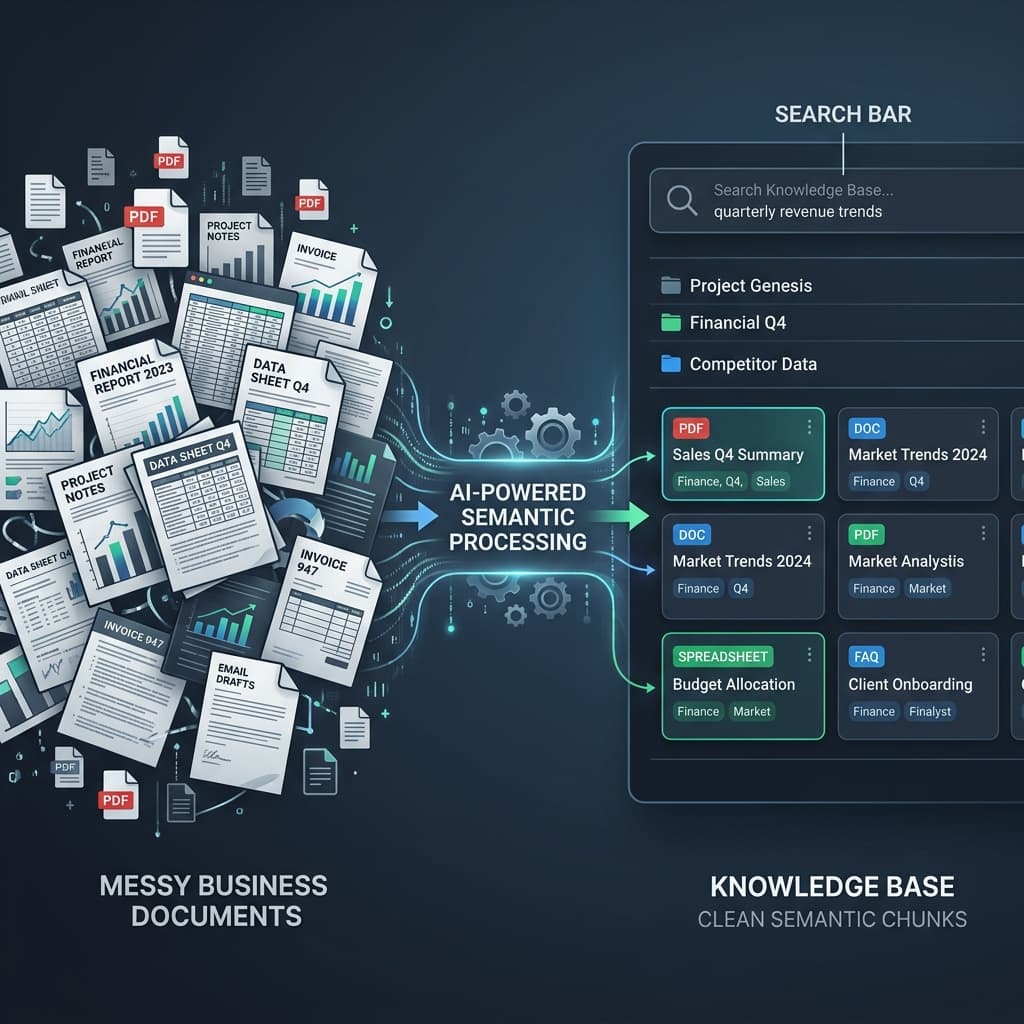
Understand the file before making promises
Rowva detects the file shape, row grain, identifiers, and likely downstream uses so the job starts with a real business context profile.
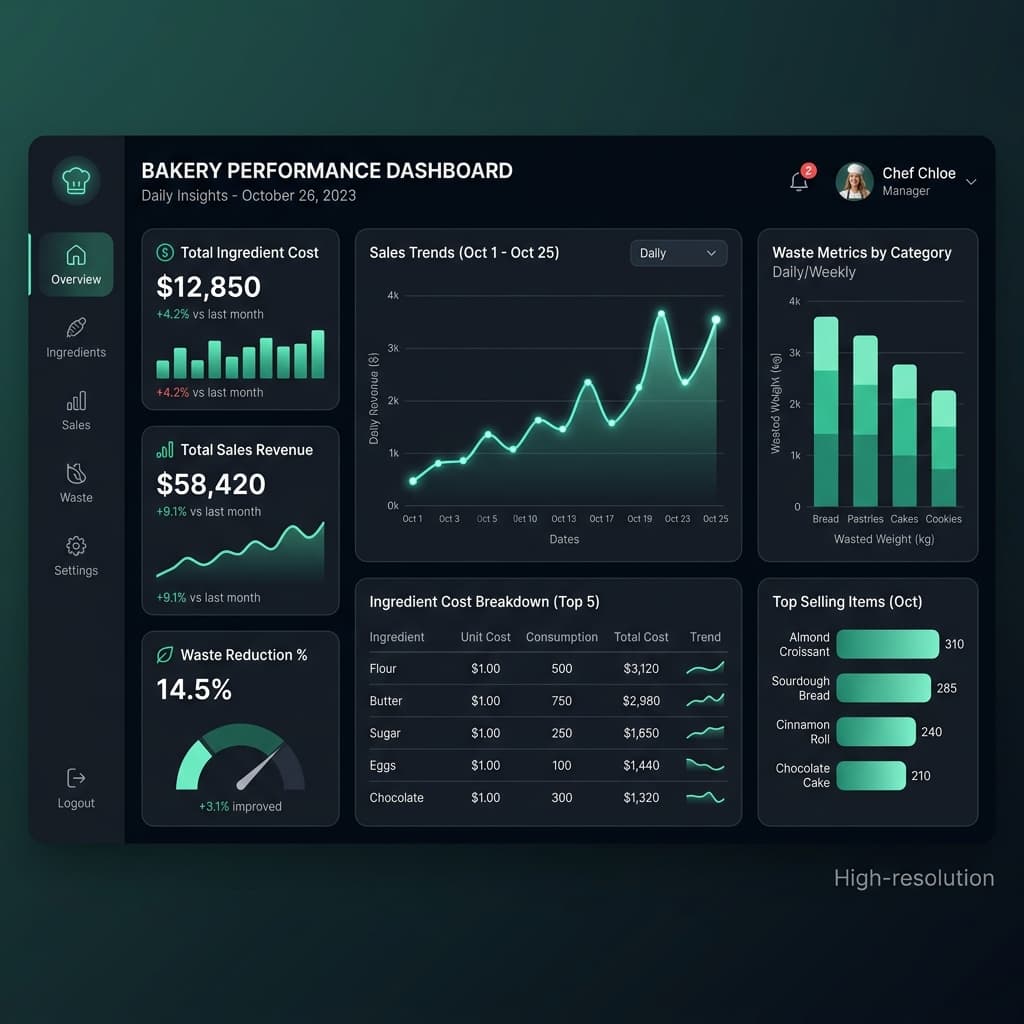
Prepare outputs that match the business job
Operations teams get usable exports, finance teams get readiness checks, and review-required rows stay visible instead of being flattened away.
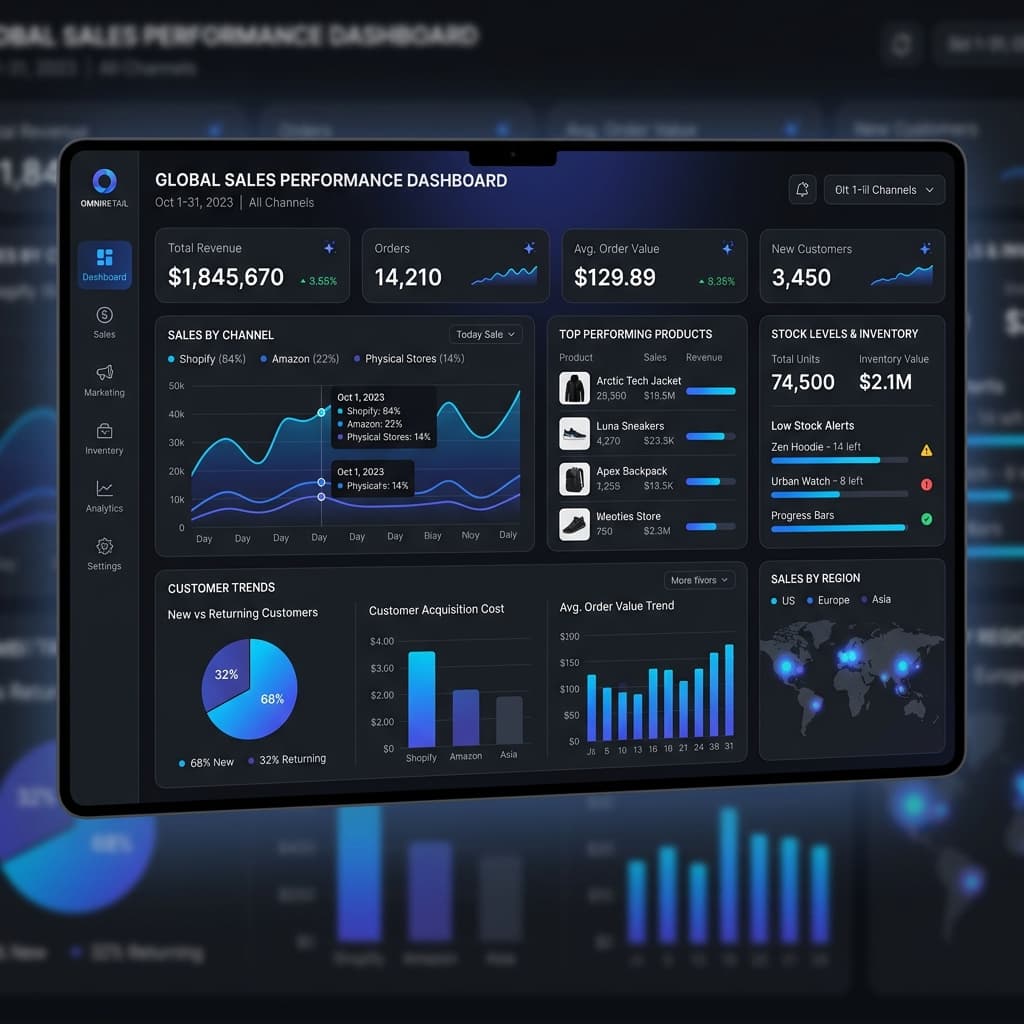
Hand off with proof, blockers, and next action
Each finished package shows what changed, what is ready, what is blocked, and which download to use next.
Output guide
Download the file that matches the downstream use.
Rowva separates day-to-day working files from safer sharing, reporting, AI, and audit packages.
Output
Use this for
What it contains
Operational Clean Export
Daily spreadsheet work
Clean CSV/XLSX, source row IDs, removed-row summary, review list
Compliance-Safe Export
Safer sharing
Masked direct PII, restricted notes, and sensitivity caveats
Reporting Package
Dashboards and month-end reporting
Clean table, column profile, issue log, and readiness summary
AI Package
Business search and assistant setup
Structured records, PII report, and blocked/partial reasons when unsafe
Audit Trail Bundle
Review and traceability
Change history, check results, review decisions, and anything still unavailable
Readiness labels
A clean-looking file is not automatically ready for every use.
Readiness is purpose-specific. An operational export can be usable while the AI package is blocked.
Ready
The artifact exists and no blocking caveat prevents its intended use.
Partial
The artifact can be useful, but review caveats or unresolved conflicts remain.
Blocked
Hold that download for now. PII, semantic risk, or unresolved structure still needs review before that use.
Unavailable
The package was not generated or the input did not support that output family.
Read the sample pack next.
The fastest docs experience is the public sample pack: source file, clean output, change notes, readiness report, and audit trail report.