Free scan
Scan a CSV before you create a workspace.
Paste a small CSV or choose a local file to see obvious cleanup risk, package readiness, and a downloadable preview report.
Scan a CSV preview
Use a sample, paste CSV text, or choose a small local file for a quick first check.
sample_order_export.csv
Readiness score
10
Rows
6
Columns
6
This quick scan highlights cleanup risks before you create a workspace. Use the full workspace when you want repaired exports, readiness checks, and downloadable reports.
Findings
Row width mismatch
blocker1 flagged. Some rows have more or fewer cells than the header row.
Empty cells
warning6 flagged. Missing values may be acceptable, but required fields need review.
Summary rows
warning1 flagged. Summary rows embedded in data tables need review before clean record export.
Sensitive fields
blocker2 flagged. Potential PII columns detected: customer_email, notes.
Mixed date formats
warning1 flagged. Date-like columns need standardization: order_date.
Mixed numeric values
warning1 flagged. Numeric columns contain non-numeric values: total.
Package preview
Operational Clean Export
Structural blockers need cleanup before this is safe to use.
Reporting Package
Review caveats before using this in BI or finance reporting.
AI Package
Potential PII remains in the uploaded preview.
Audit Trail Bundle
This preview report can be downloaded right away for reference.
What happens next
Use the scanner as a first check, then move into the full Rowva workflow.
The browser scan helps you spot obvious structural issues. The workspace is where Rowva turns that diagnosis into cleaned outputs, readiness checks, and download packages.
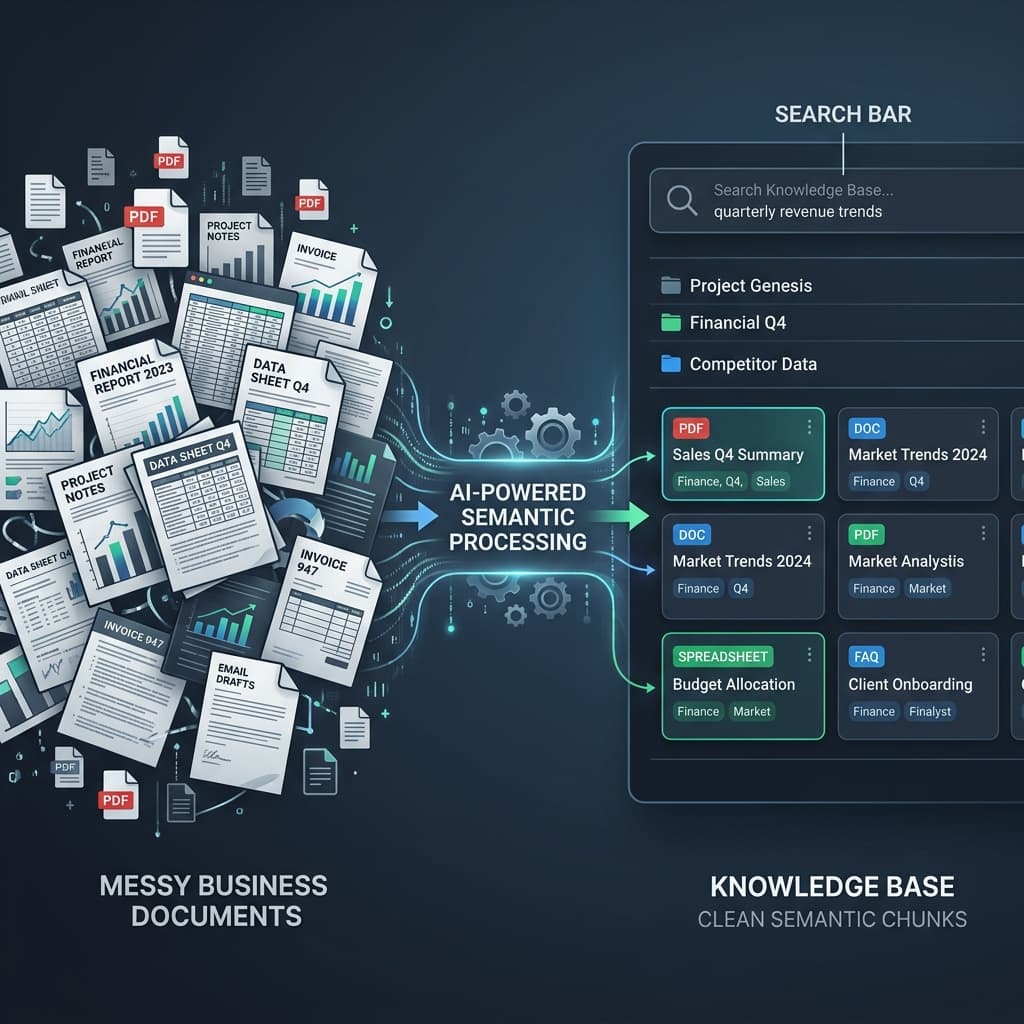
Understand the file before making promises
Rowva detects the file shape, row grain, identifiers, and likely downstream uses so the job starts with a real business context profile.
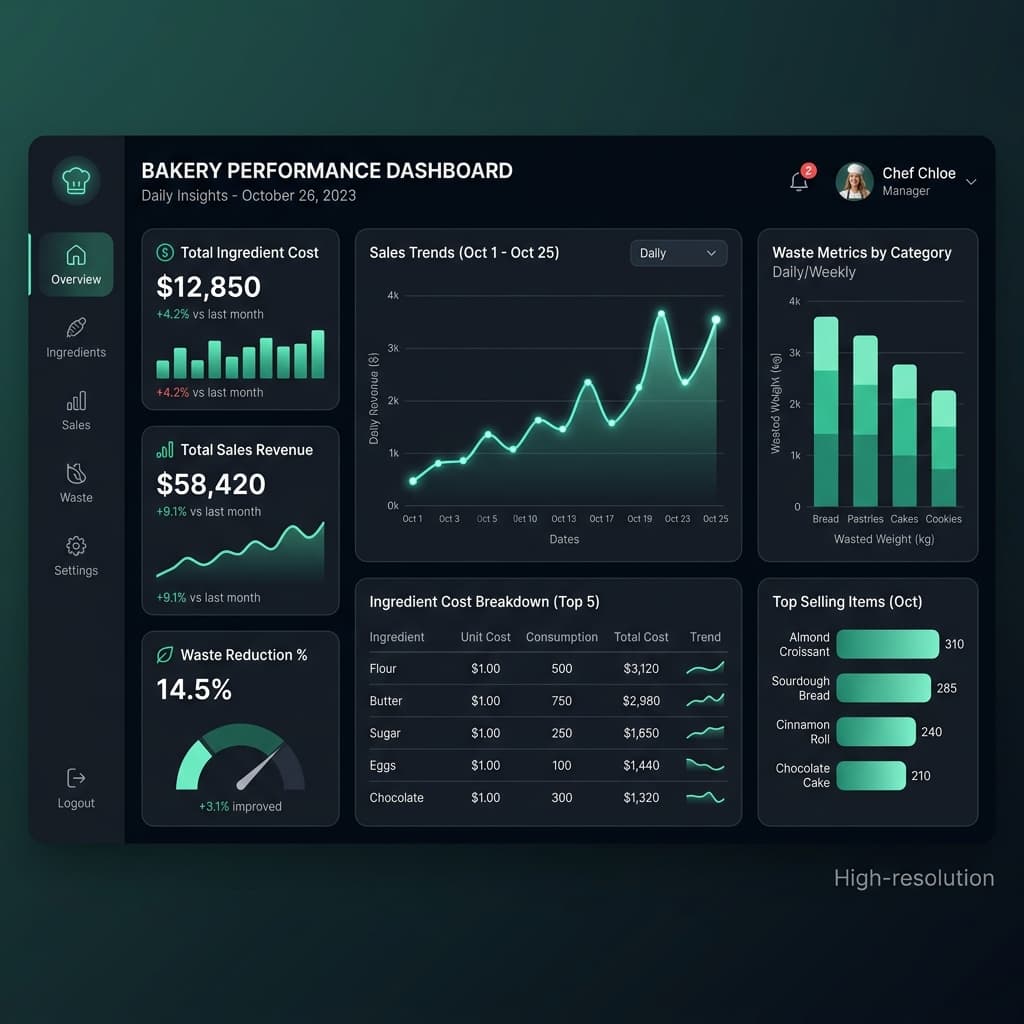
Prepare outputs that match the business job
Operations teams get usable exports, finance teams get readiness checks, and review-required rows stay visible instead of being flattened away.
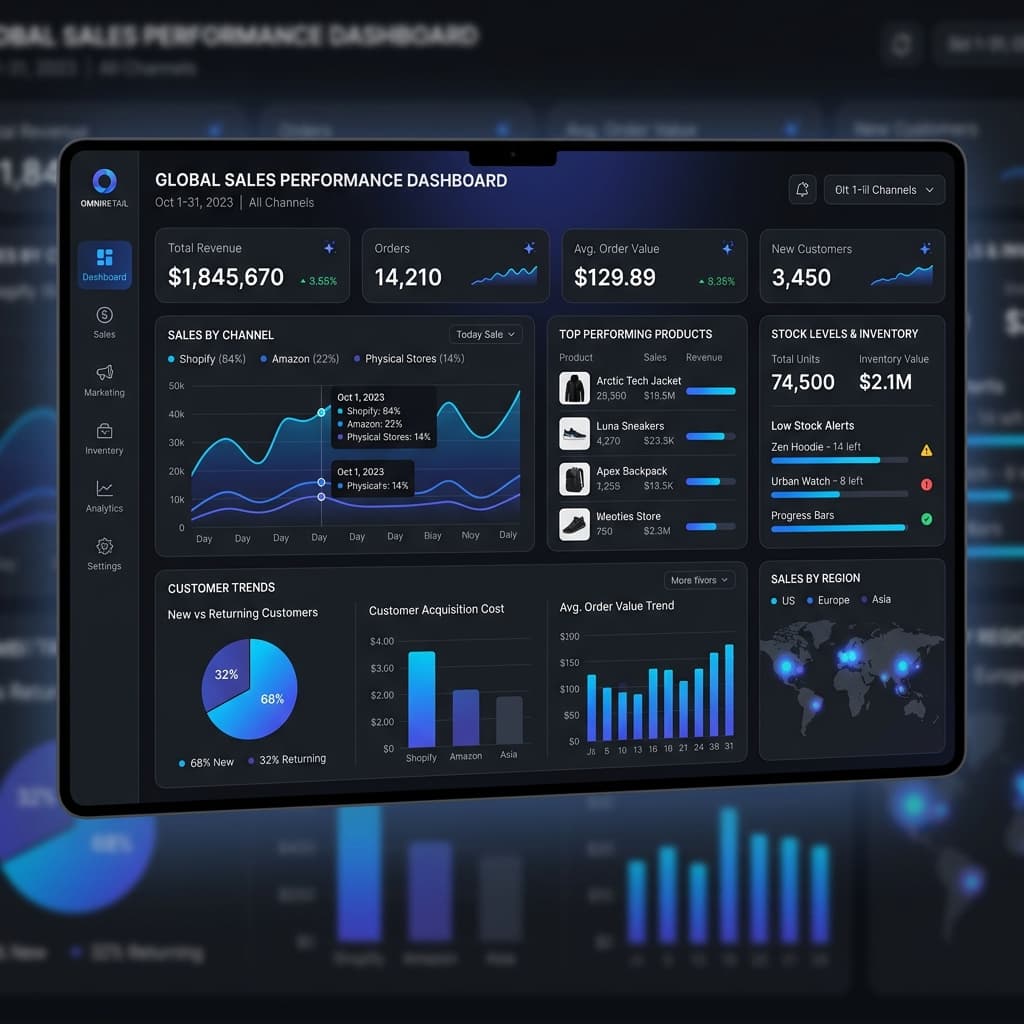
Hand off with proof, blockers, and next action
Each finished package shows what changed, what is ready, what is blocked, and which download to use next.
Quick preview
A quick preview before full workspace cleanup.
The scanner is useful for a first look at file quality. A workspace gives the full cleanup, review, downloadable files, and audit trail.
Ready for full cleanup and package downloads?
Use the quick scan for a preview. Create a workspace when you need before/after evidence, downloadable files, and retained audit context.